

Help for professors
متطلبات الإكمال
Add Activities to a Course Page
Add Chat to Course Page
The Chat activity allows course members to hold real-time, text-based conversations with other course members. Different chat rooms can be set up for the same course.
- On your course page, click Turn editing on (top right).
- Locate the Section where you want to add the Chat activity.
- At the lower-right of the Section, click + Add an activity or resource. The Add an activity or resource window will open.
- In the Add an activity or resource window select Chat and click Add.
- The Adding a new Chat page will open.
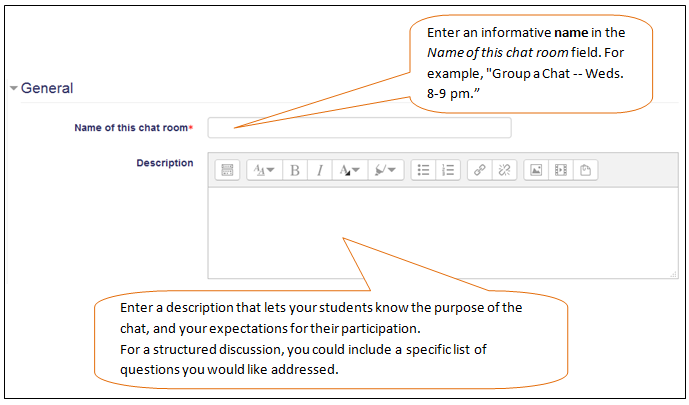
- Click Save and return to course to return to your course page.